AI Agent Overview
Learn how the Sitemarks AI agent reads your annotations and automatically generates code fixes as pull requests.
The Sitemarks AI agent turns visual feedback into working code. When your team annotates a website markup — pointing out a misaligned button, a broken layout, or a missing style — the agent reads that annotation, understands the context, and generates a code fix in your repository. The result is a pull request ready for review, created without anyone writing a single line of code by hand.
How It Works
The agent operates through a fully automated pipeline that connects your annotations directly to your codebase.
1. Trigger
An agent run starts when a team member clicks Fix with AI on an annotation. The agent receives the annotation comment, its position on the page, any attached screenshots, and the markup's source URL. It also resolves which GitHub repository is linked to the markup.
Repository linking required
Before the agent can generate code fixes, your markup must be linked to a GitHub repository through the Integrations settings. Without a linked repository, the agent has no codebase to work against.
2. Analysis
The agent analyzes your annotation by examining the screenshot, your feedback, and its location on the page. Using this context, it identifies the relevant source files and determines what changes are needed.
3. Execution
Inside the sandbox, the agent edits your code — modifying stylesheets, adjusting component markup, fixing layout logic, or whatever the annotation calls for. It works to ensure its changes match your feedback. The entire execution is capped by your plan's limits to keep costs predictable.
4. Pull Request
Once the agent finishes its work, it pushes its changes to a dedicated branch (prefixed with sitemark-agent/) and opens a pull request on your GitHub repository. The PR includes a summary of what the agent changed and why, with a link back to the original annotation for full context.
Job Tracking
Every agent run is tracked as a job with full visibility into its progress and outcome. You can view all jobs from the Agent Jobs panel in your dashboard.
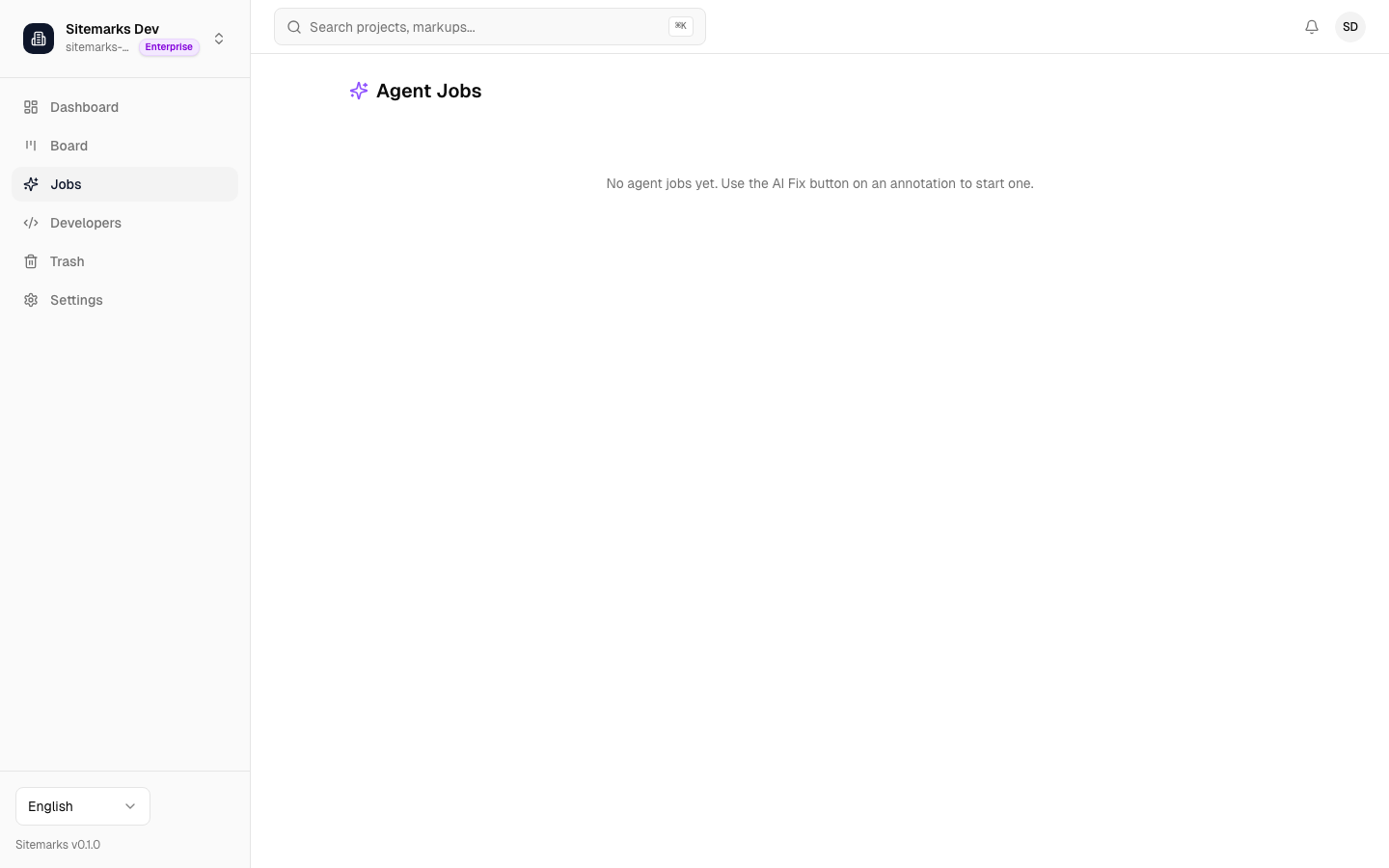
Each job displays:
- Status — where the run is: pending, running, completed, failed, or cancelled.
- Duration — how long the run took from start to finish.
- Estimated cost — the cost for the run based on the model you selected.
- PR link — a direct link to the pull request on GitHub, available once the run completes successfully.
- Triggered by — which team member initiated the run and when.
Job Statuses
| Status | Meaning | |--------|---------| | Pending | The run is queued and will start shortly. | | Starting | The agent is preparing your code for analysis. | | Running | The agent is actively analyzing and writing code. | | Completed | The agent finished and created a pull request. | | Failed | The run encountered an error. Check the logs for details. | | Cancelled | A team member manually cancelled the run. |
Job Detail View
Clicking into a job opens the detail view, where you can follow the agent's execution in real time. Logs stream live while the job is running, showing each step the agent takes — file reads, edits, shell commands, and reasoning. Once the job completes, logs remain accessible for review.
This real-time visibility makes it straightforward to understand what the agent did, verify its reasoning, and catch any issues before merging the resulting PR.
Next Steps
- Configuration — choose your preferred model, manage costs, and understand the sandbox environment.
- Integrations — connect your GitHub repositories so the agent can access your code.