Trash
Recover deleted markups or permanently remove them from your organization.
When you delete a markup in Sitemarks, it is moved to the Trash rather than removed immediately, giving your team a safety net against accidental deletions.
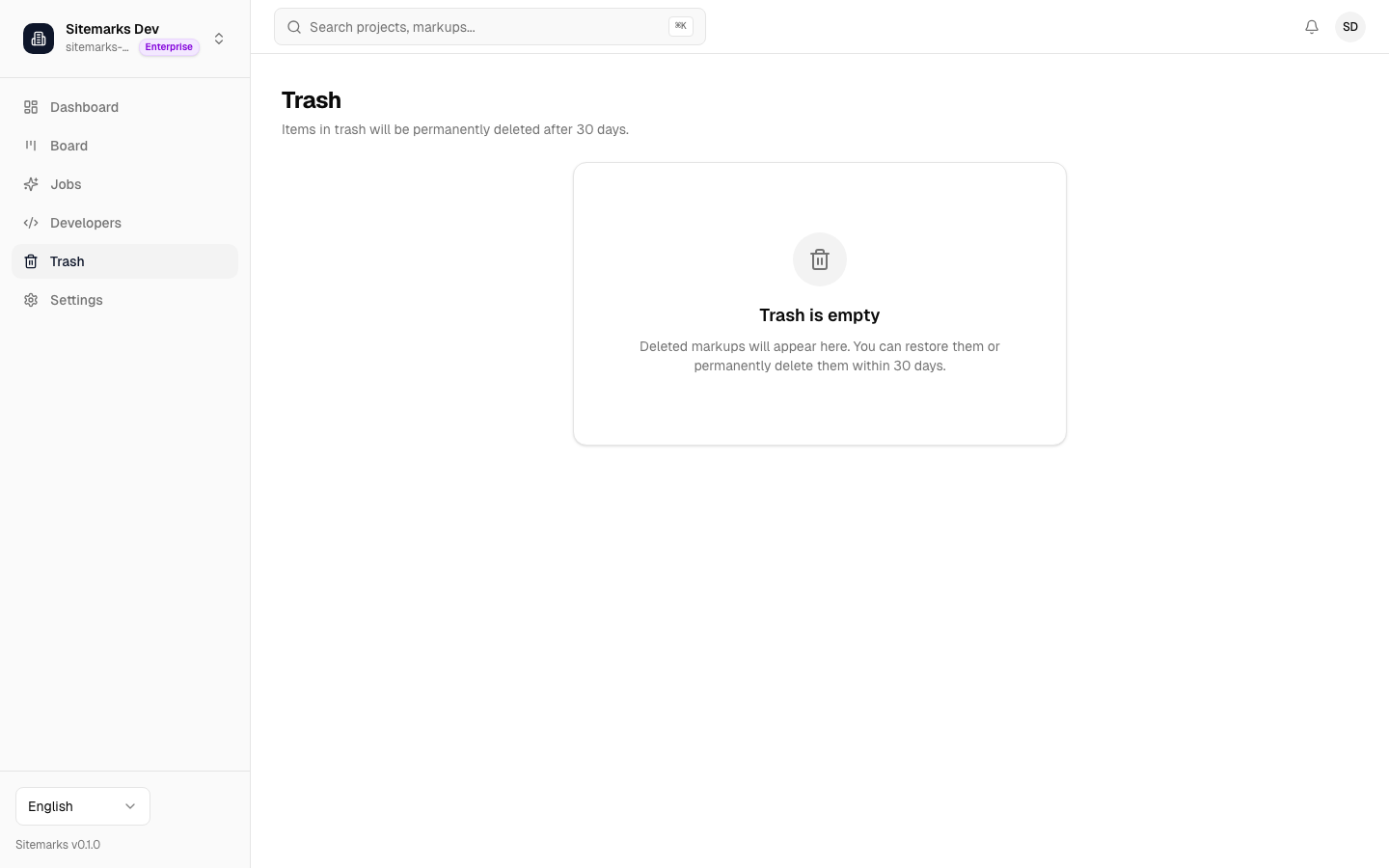
30-day retention
Soft-deleted markups remain in the Trash for 30 days. During this window the markup and all of its annotations, comments, and attachments are preserved exactly as they were at the time of deletion. After 30 days the markup and its associated data are permanently purged and cannot be recovered.
Restoring a markup
To restore a deleted markup, open the Trash from the sidebar, find the markup you want to recover, and click Restore. The markup returns to its original project and folder with all annotations and comments intact. If the original project or folder has been deleted, the markup is placed at the project root.
Permissions
Only organization members with admin or owner roles can restore or permanently delete markups from the trash. Regular members can soft-delete their own markups but cannot manage the trash.
Permanent deletion
If you are certain a markup is no longer needed, you can permanently delete it from the Trash before the 30-day window expires. Permanent deletion removes the markup record, all associated versions, annotations, comments, attachments, and stored files. This action cannot be undone.
Empty trash
To clear the entire Trash at once, use the Empty Trash action at the top of the page. This permanently deletes every markup currently in the Trash in a single operation. A confirmation dialog appears before the action is executed to prevent accidental bulk removal.
Irreversible action
Emptying the trash or permanently deleting individual markups cannot be undone. Make sure you no longer need the content before confirming.
What happens to related data
When a markup is soft-deleted:
- Annotations and comments are no longer visible but can be fully restored if you recover the markup.
- Share links stop working immediately — external reviewers see an error page.
- Integration links (Linear, GitHub, Jira) are paused. If the markup is restored, the links resume automatically.
When a markup is permanently deleted, all of the above data is removed along with any stored files.