Board
Visualize annotation progress across all projects with a kanban-style board view.
The Board gives your team a kanban-style overview of every annotation across your organization. Instead of opening markups one by one, you can see the status of all feedback at a glance and move items through your review pipeline with drag and drop.
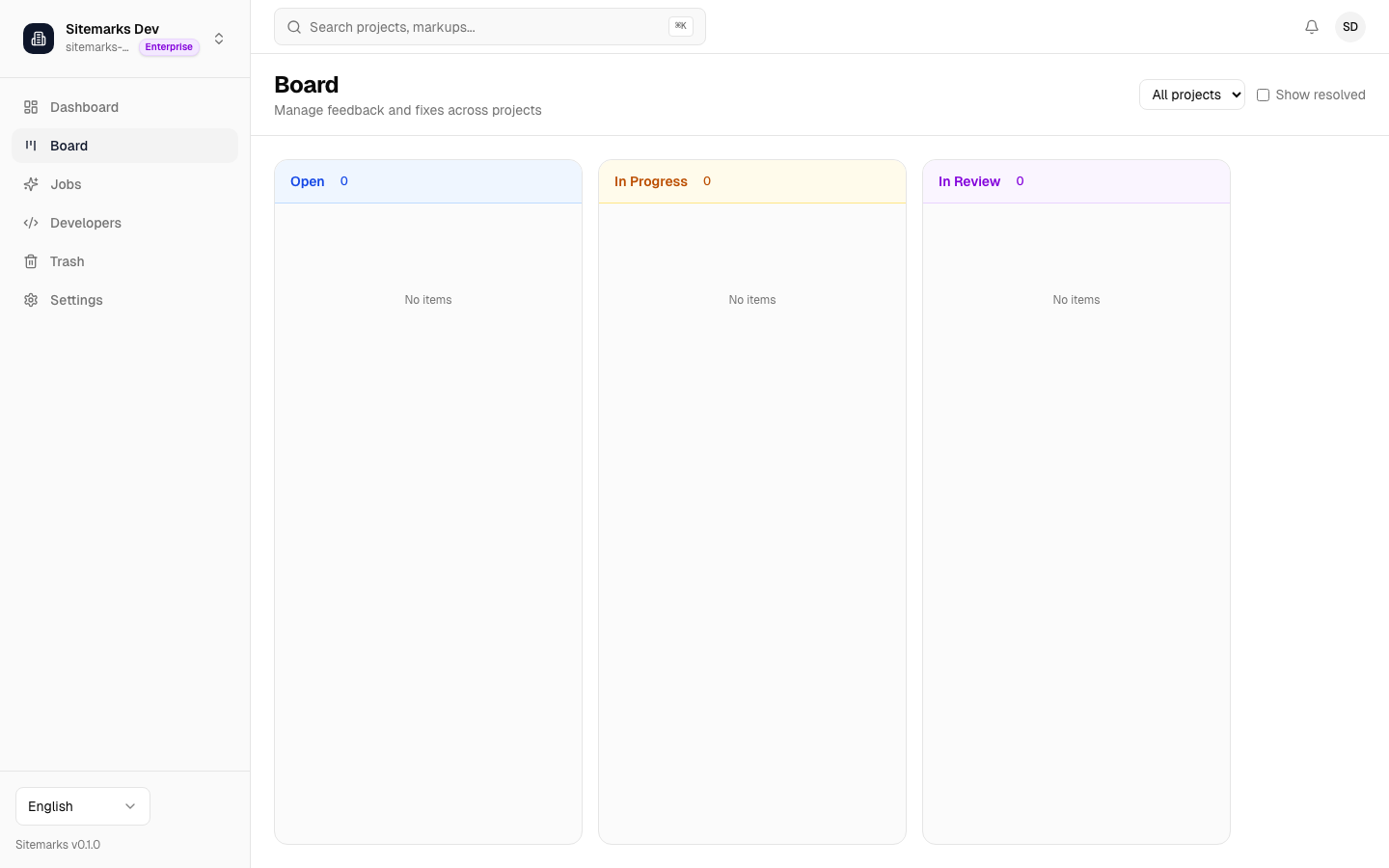
Kanban columns
The board is organized into four columns that map directly to the annotation status workflow:
| Column | Status | |--------|--------| | Open | Newly created annotations that have not been addressed yet. | | In Progress | Annotations where work has started. | | In Review | Annotations with changes ready for verification. | | Resolved | Annotations that have been addressed and closed. |
Each card on the board displays the annotation number, a preview of the first comment, the assignee avatar, and any labels attached to the annotation.
Drag and drop
To change an annotation's status, drag its card from one column to another. The status update is saved immediately and reflected everywhere — in the markup viewer sidebar, in notification feeds, and for any integrated external tools.
Filtering
Use the toolbar above the board to narrow what you see:
- Project filter — Select one or more projects to limit the board to annotations from those projects only.
- Assignee filter — Focus on a single team member's workload.
- Label filter — Show only annotations tagged with specific labels.
Resolved toggle
By default the Resolved column is hidden to keep the board focused on active work. Toggle the "Show resolved" switch in the toolbar to reveal it when you need to review closed feedback or reopen an annotation.
Quick triage workflow
Open the board at the start of a review session, filter by your name, and drag items from Open to In Progress as you begin working on them. This keeps the rest of your team informed without extra status meetings.