Organization Settings
Manage your organization name, slug, and general configuration.
The Organization Settings page is the central hub for managing your team's identity and configuration within Sitemarks. Only users with the Owner or Admin role can access these settings.
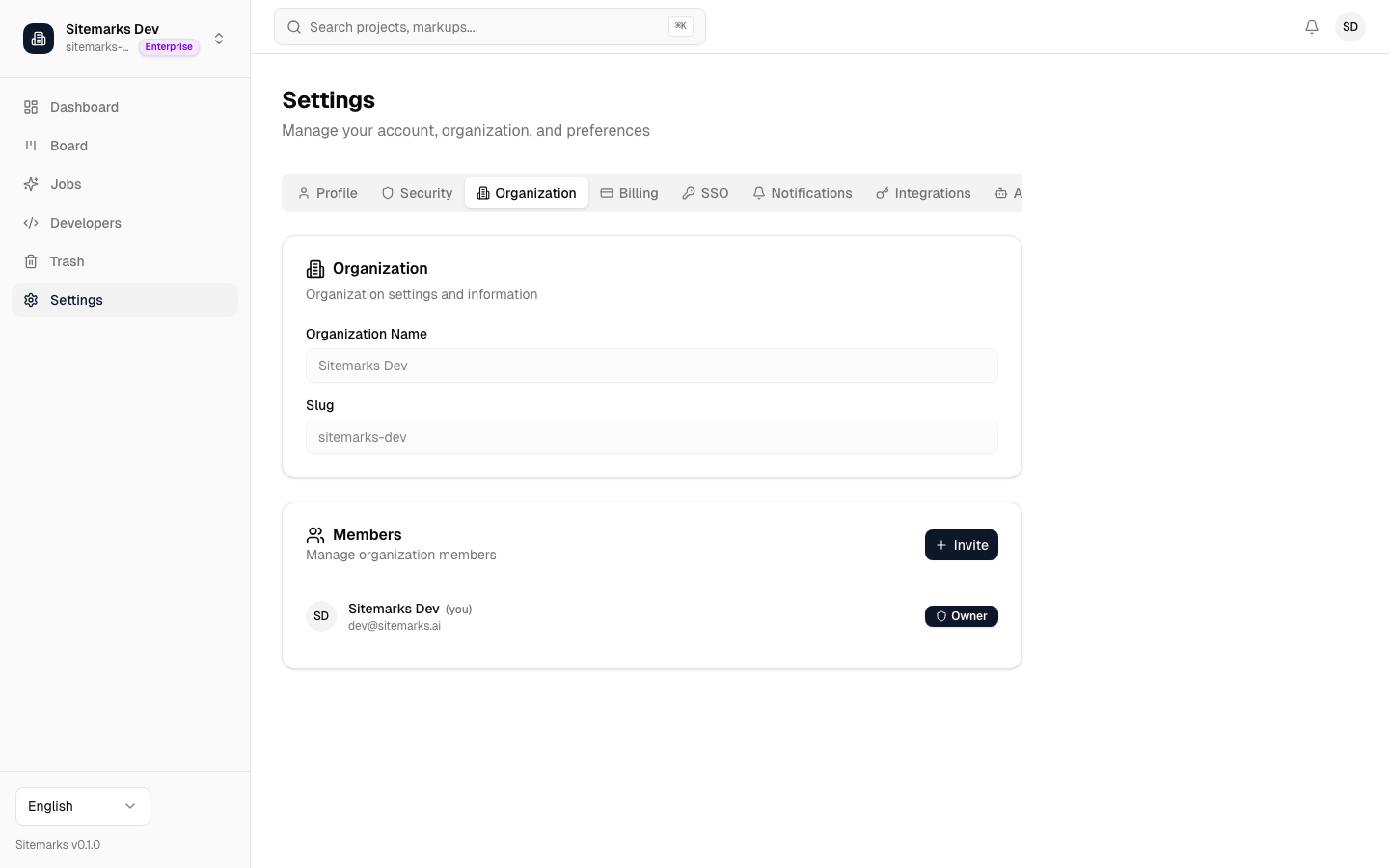
Accessing Organization Settings
Navigate to Settings in the sidebar, then select the Organization tab. If you do not see this tab, your current role does not have sufficient permissions — contact an Owner or Admin in your organization.
Organization Name and Slug
Your organization name is what team members see throughout the platform — on the dashboard, in project headers, and in notification emails. The organization slug is a URL-safe identifier used in links and API references.
- Name — can be changed at any time by an Owner or Admin. Updates are reflected immediately across the platform.
- Slug — must be unique across all Sitemarks organizations. Changing the slug will update all shareable URLs associated with your organization, so coordinate with your team before making this change.
Slug changes affect links
Any bookmarks, shared URLs, or integration webhooks that reference your old slug will stop working after a slug change. Update external references accordingly.
General Settings
The general settings section includes:
- Default timezone — used for displaying times throughout your organization.
- Organization logo — displayed in the sidebar and on shared markup pages for brand consistency.
Audit Log
Owners and Admins can review the audit log to track important changes across the organization. The audit log records events such as member invitations, role changes, project deletions, billing updates, and security configuration changes.
Each entry includes the acting user, the action taken, the affected resource, and a timestamp. Use the audit log to maintain accountability and investigate unexpected changes.
Retention period
Audit log entries are retained based on your plan tier. Enterprise plans include extended retention and the ability to export logs for compliance purposes.
Who Can Access Organization Settings
| Action | Owner | Admin | Member | Viewer | |---|---|---|---|---| | View organization settings | Yes | Yes | No | No | | Edit name and slug | Yes | Yes | No | No | | View audit log | Yes | Yes | No | No | | Delete organization | Yes | No | No | No |
For details on managing team members and their roles, see Members.