Search
Find markups across all projects with global search and type filters.
Global search lets you find any markup in your organization without navigating through projects and folders manually.
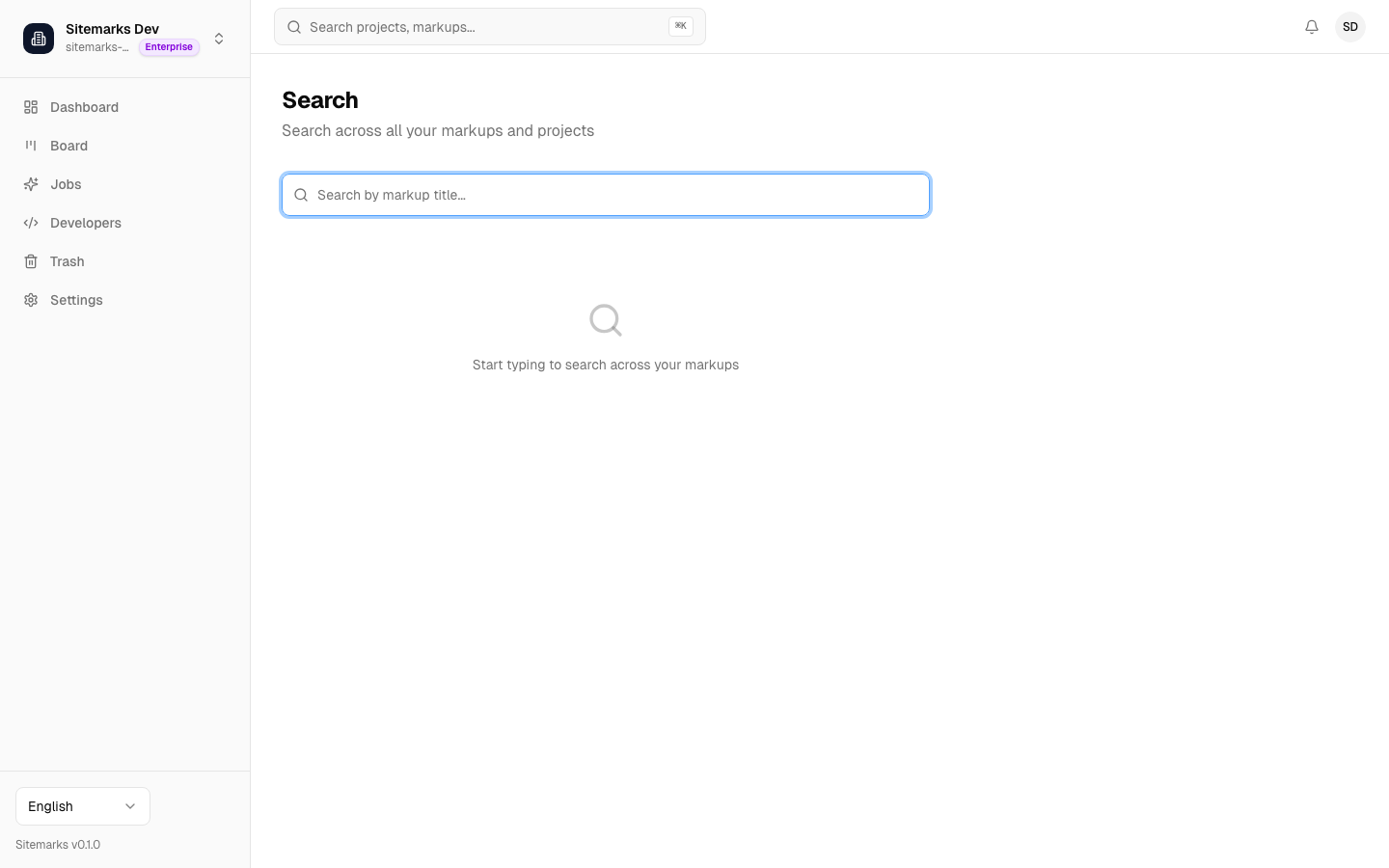
How it works
Open search from the sidebar or press the keyboard shortcut to activate the search input. As you type, Sitemarks queries markup titles across all projects you have access to and returns matching results in real time.
Results grouped by project
Search results are organized by project. Each group shows the project name as a header, followed by the matching markups within that project. This grouping makes it easy to tell which project a result belongs to without leaving the search view.
Markup type filters
Use the type filter to narrow results to a specific asset category:
- Screenshot — Image-based markups (PNG, JPEG, WebP).
- PDF — Document markups.
- Video — Video file markups (MP4, WebM).
- Website — URL-based markups captured by Sitemarks.
Combine a text query with a type filter to quickly locate, for example, all website markups whose title contains "homepage".
Scope
Search returns results across every project in your current organization. Switch organizations from the sidebar if you need to search a different workspace.